
Browse the 8 beginner lessons
PRACTICE PROJECT · UNDERSTAND THE PAGE FIRST
Landing page practice project for beginners
Learn what a landing page should explain, see a fictional example and prepare your own project brief. No live business account is needed.
Topics in this guide
Topic 1 · What a landing page is
What is a landing page?
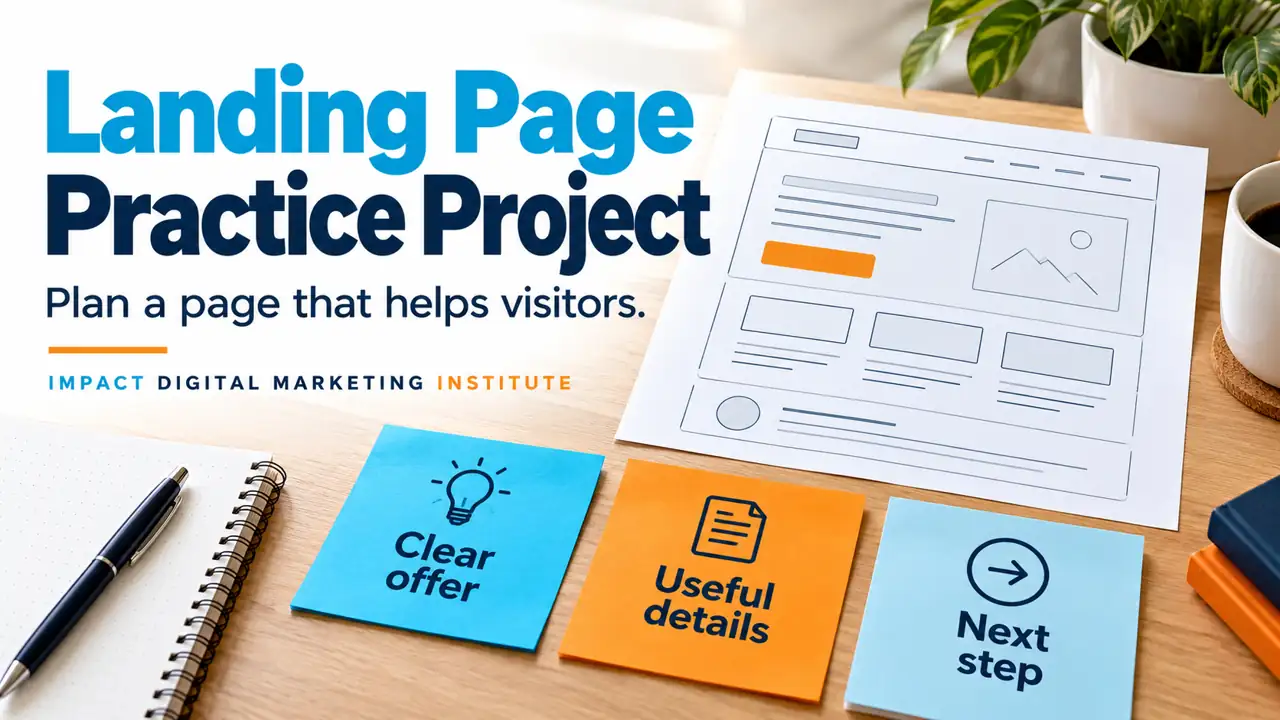
A landing page is the page someone arrives on after following a link, such as a link in an ad or post. In a campaign, it is often planned around a clear offer and next step.
The visitor should understand where they have arrived, whether the information is relevant and what they can do next.
Clear offer
What is available, and who is it for?
Useful details
What does the visitor need to know?
Next step
What happens when they click?
Read how websites help a business first if you are new to website pages.
Topic 2 · What to explain
What information belongs on the page?
Choose content around the visitor’s question. A page does not need every possible section.
Main headingWhat is this page about?
Use a clear, accurate heading. It should match the promise made by the link, post or ad that brought the visitor.
Offer detailsWhat will the visitor get?
Explain the relevant features, options and conditions. Confirm facts rather than adding impressive-sounding claims.
Questions and evidenceWhat might they need to check?
Answer useful questions and include genuine supporting information where available. Do not invent reviews, customer numbers or results.
Next actionWhere does the button lead?
Give it a clear label. Explain whether it opens details, starts an enquiry or takes someone to another step.
Use clear-message basics to keep the wording easy to understand.
Topic 3 · A worked example
A fictional bakery page: how could it work?
This example explains the thinking behind a page. It is not a real client project or a claim of measured results.
Choose a birthday cake with clearer information
Compare the available sizes and designs, then ask the bakery about your date.
Possible button label: Ask about cake options.
Why that heading?
It tells a parent what the page helps them do. It does not promise a result the bakery cannot support.
Which details come next?
Accurate size and design information, relevant ordering conditions and the information the bakery needs to answer an enquiry.
What should the image show?
A relevant cake or clear comparison. A real business must use images it is permitted to use and avoid misleading product pictures.
What happens after the button?
The next step should be explained and tested. In a practice design, label any sample form as a demo and do not send it to a real business.
Topic 4 · Check the experience
How would a visitor use your page?
Test a real task on a laptop and phone. A good-looking screenshot does not prove the page is easy to use.
- 1
Find the main answer. Can someone tell what is offered without reading everything?
- 2
Check the next action. Is the button easy to find, and is its destination clear?
- 3
Use a narrow screen. Check text, images, menus and controls for overlap or sideways scrolling.
- 4
Test every relevant link. Confirm that the page does what its labels suggest.
If someone reviews your draft, record what they actually did or said. Do not describe a personal guess as visitor research.
Topic 5 · Your practice brief
Prepare your own project brief
Use this optional brief after the theory is clear. You can begin with a labelled fictional business and a paper sketch.
Topic 6 · Present your work
What should you show in a portfolio?
Show the page and explain the choices behind it. Say exactly what was built, tested or left as a draft.
- 1
Name the visitor and goal. Explain the problem the page addresses.
- 2
Show your own contribution. Include the sketch or draft, with permission for any shared work.
- 3
Explain the review. Record the screen sizes, tasks and issues you actually checked.
- 4
State the limits. A practice page has no measured sales or conversion improvement unless it was properly tested and recorded.
Do I need to publish it?
No. A clearly explained draft can be a useful starting point. If you later publish, check permissions, accuracy and any form or measurement setup first.
Use the portfolio template to organise your explanation.