
Browse the 8 beginner lessons
ADS PLANNING · PREPARE BEFORE SPENDING
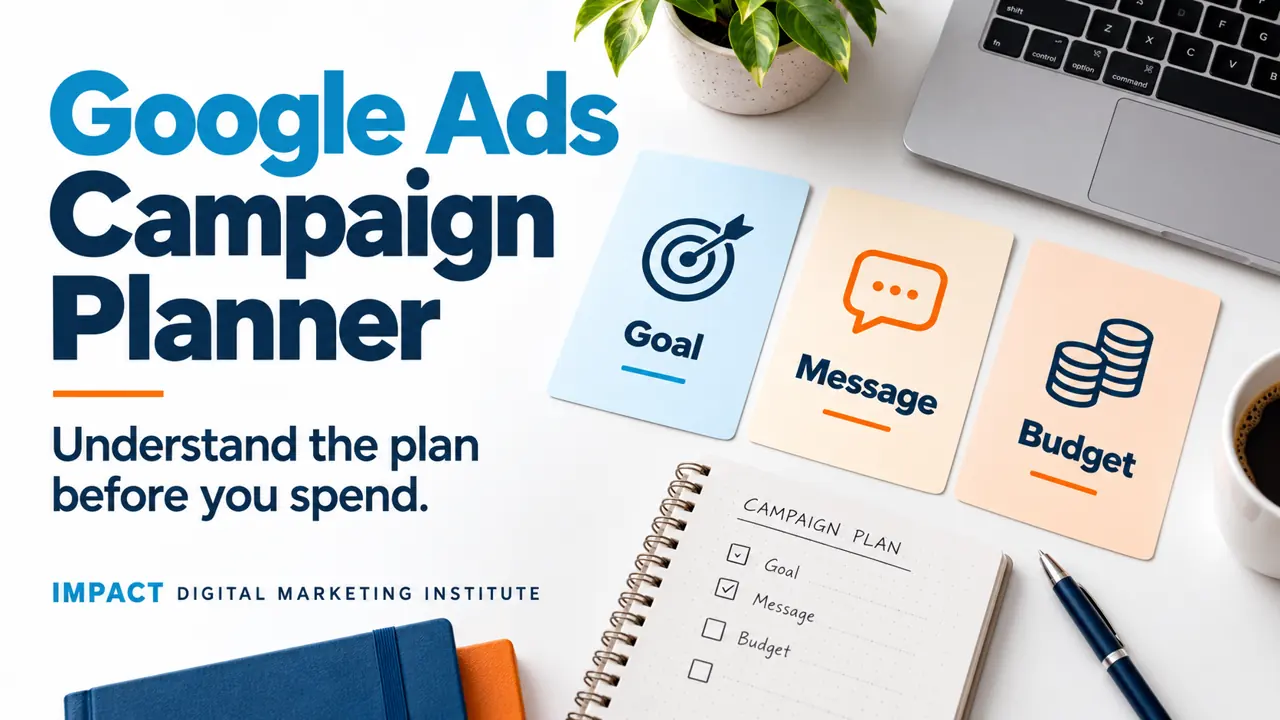
Google Ads campaign planner for beginners
Understand the goal, message, landing page and budget before opening a live campaign. Use a simple draft planner when you are ready.
Topics in this guide
Topic 1 · What you are planning
What is a campaign plan?
A campaign plan explains who an ad is for, what it should say, where it should send people and how the work will be checked.
This guide focuses on a simple Google Ads Search campaign. That means planning an ad around relevant searches. Other campaign types have different settings and needs.
The brief comes first
Write the business goal and the information you need before changing an account.
The account needs a separate review
A saved brief is not a live campaign. The owner still needs to check the actual settings and approve spending.
Read Google Ads and Meta Ads basics before planning.
Topic 2 · Goal and customer
What should the campaign help someone do?
Choose a clear action and a suitable customer. “Get more business” is too broad to explain a useful plan.
- 1
Name the offer. What is actually available? Confirm important prices, dates and conditions.
- 2
Name the customer. Who needs this offer, and which locations can the business serve?
- 3
Name the next action. An enquiry, booking or purchase needs its own definition.
Fictional example
A local bakery wants relevant enquiries about birthday cakes it can supply. Someone searching for baking jobs would have a different need. The plan should explain the intended customer rather than treating every cake-related search as useful.
No campaign results are claimed in this example.
Topic 3 · Searches and message
How should searches and the ad fit together?
The search, ad message and destination page should make sense together.
Search idea
A person looks for a birthday cake in the area served.
Ad message
The ad explains the relevant offer accurately.
Next page
The page gives the promised details and a clear enquiry step.
Does a keyword always mean only that exact search?
No. Matching depends on campaign settings and Google’s matching behaviour. Learn the current keyword and match-type rules before running anything. Review actual search terms when available.
What should I avoid in the message?
Avoid unsupported claims, unavailable offers and promises the page cannot explain. Check the spelling, destination and any business conditions.
Use the keyword research guide to understand search needs.
Topic 4 · Page and budget
What must be checked before spending?
A campaign needs a usable destination, agreed spending settings and a way to recognise the intended result.
Landing pageWhere does the click lead?
Check that the page opens on a phone, matches the ad and explains the offer. Test its links and enquiry process.
BudgetWhat spending is approved?
Record a proposal, then review Google’s current budget, bidding and billing rules in the account. Do not assume a written daily figure is a strict daily spending cap. Do not run ads without the owner’s approval.
MeasurementWhat action will count?
Define the event and test it. A contact-button click does not prove a message was sent or a sale happened.
Review planWho checks the live work?
Agree who will review spending, searches, enquiries and possible problems. The template cannot monitor a campaign.
Topic 5 · Your planner
Prepare a draft campaign brief
Use this optional outline after the ideas are clear. Keep uncertain details marked for review.
Topic 6 · Before launch
What happens after the brief is ready?
An authorised person must review the real account before publishing. This page only helps you prepare the thinking.
- 1
Check the offer and page. Confirm the details, links and enquiry process.
- 2
Check targeting and spending. Review locations, search settings, budget and bidding with the owner.
- 3
Test measurement. Confirm which action is recorded and whether repeat tests create duplicate records.
- 4
Agree approval and review. Record who can launch, change or pause the campaign.
Can this plan predict leads or sales?
No. A brief helps organise decisions. Results depend on the offer, competition, account settings, page and many other factors.
For a practice project, clearly label the plan and explain your choices with the portfolio template.