
Browse the 8 beginner lessons
PORTFOLIO GUIDE · FREE PROJECT OUTLINE
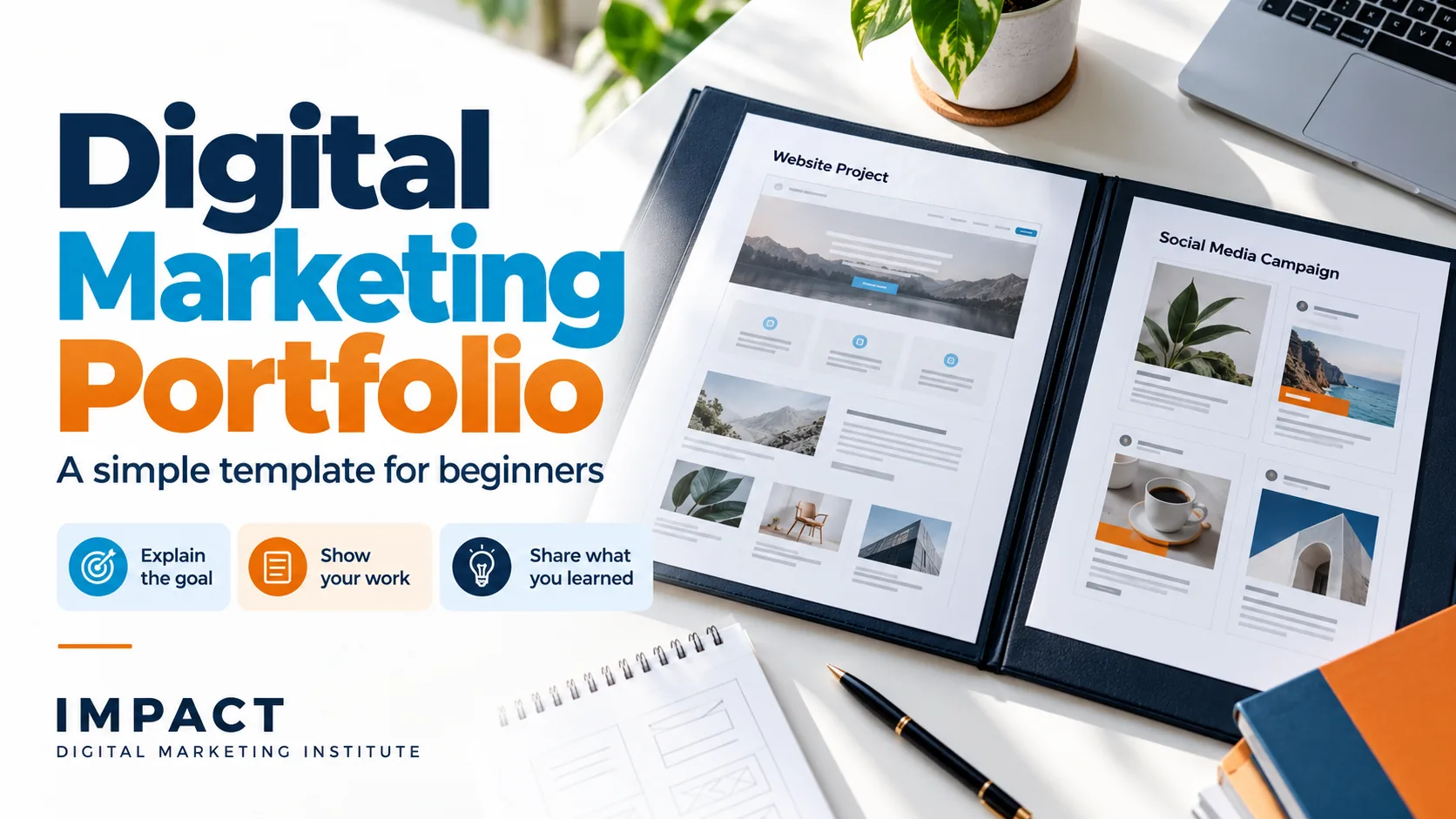
Digital marketing portfolio template for beginners
Understand what a portfolio is, see a practice example and download your own project outline. Simple words. One topic at a time.
Topics in this guide
Topic 1 · What it means
What is a digital marketing portfolio?
A digital marketing portfolio is a small collection of work that shows what you can do and how you think.
It can be a document, a folder of files or a website. It does not have to be expensive. The important part is explaining your work clearly.
A resume tells
It lists your learning, skills and experience.
A portfolio shows
It lets someone see a sample and understand the choices you made.
You can start with practice work if you have no client experience. Label it clearly. A made-up business is fine for learning; pretending it was a real client is not.
Do I need real results to begin?
No. You can show a draft page, a content plan or a report using clearly labelled practice data. Explain that the work was not published or tested. A plan shows your thinking; it does not prove a campaign worked.
Not sure which role interests you? Start with the digital marketing career guide. This template helps you present a project; it does not guarantee a job.
Topic 2 · What to include
What should each project explain?
A useful project answers a few simple questions. Screenshots look better when the reader understands what they are looking at.
- 1
What was the task? Explain the question or problem. Say whether this was practice, your own project or permitted client work.
- 2
Who was it for? Describe the customer. What did that person need to understand?
- 3
What did you make? Show the page, caption, plan or report. State your own part if others helped.
- 4
Why did you choose that approach? Explain your message, layout or measurement choices in simple words.
- 5
What happened, or what remains untested? Use real records where available. For a draft, say that no results were measured.
- 6
What did you learn? Explain a correction, a limit or something you would check next.
Tools are part of the story
“I used Canva” tells us the tool. “I made the cake-size information easier to compare” tells us the purpose. Include both when relevant.
Keep each project focused. Add enough detail to explain the work, rather than filling pages with tool logos.
Topic 3 · See an example
A simple portfolio example for a fresher
Here is an example of explaining a small content project without inventing results.
A clearer birthday-cake page
Task: Plan a page that helps customers understand cake sizes before asking the bakery a question.
Customer and goalWho needs the page?
Parents planning a small birthday party. The goal is to explain cake options and the next step for asking about an order.
Work preparedWhat did I create?
A draft page with a clear heading, a size-comparison section, questions to ask the bakery and a contact button. Product details would need approval before publication.
My choicesWhy did I arrange it this way?
I placed the size information before the contact button so visitors could understand the options first. I used short headings and plain words.
Results and learningWhat can I honestly say?
The page is a practice draft. It was not published, so no traffic or orders were measured. Next, I would ask someone to find a cake size and explain where they would click.
Attach the actual draft if you make this project. This example describes a possible project; it is not a student’s case study or an Impact client result.
Topic 4 · Choose a project
Which project should you start with?
Choose work you understand and can explain. One clear project is a useful start.
Content or social mediaA small set of planned posts
Explain the customer, the question each post answers and the intended next step. Show the draft captions or designs. Label unpublished work as a plan.
Learn social media basics and clear messages.
Website or SEOA useful original page
Show the page title, headings, useful information and links. Explain the visitor’s question. Do not claim a Google ranking without checking it.
Learn SEO basics.
Ads planningA draft campaign, without spending
Show the goal, intended audience, draft message and how you would check the result. A planned budget is not actual ad spend. You do not need to run paid ads to prepare a plan.
Learn ads basics.
ReportingExplain a small set of numbers
State where the data came from and what the numbers mean. Google’s Analytics demo account can help you explore reports. Demo data is not your own campaign performance.
Learn marketing results or read the official Analytics demo guide.
Use fictional businesses or your own work for practice. Get permission before changing a real business’s accounts, website or ads.
Topic 5 · Your template
Make your project outline when you are ready
Use this optional template after you understand the example. Short answers are enough to start.
Download the outline as a text file, then add your work samples separately. You can copy the outline into a document and export it as a PDF later.
Topic 6 · Before sharing
Check your portfolio before you share it
Make it easy for someone to understand your work, and keep every claim honest.
- 1
Open every link. Check that your intended reader can view the files. Do not make private client files public.
- 2
Check labels and permissions. Mark practice work, name your own contribution and ask before showing real client information.
- 3
Check the evidence. Only state results you can support. Include the date range and data source when relevant. Remove private details from screenshots.
- 4
Explain the project aloud. Say who it was for, what you made and why. Use words you understand.
How many projects do I need?
There is no fixed number for every role. Start with a focused example, then add relevant work you can explain. Follow any specific employer instructions.
Can I use AI to help?
You can use it for ideas or wording, then check the output and explain your own decisions. Follow the employer’s rules about AI use and disclosure. Do not present copied work as your own or invent results.
Do I need a portfolio website?
No. A clear document with working sample links can be a starting point. A website is another way to organise work, not a replacement for useful examples.
Keep improving the portfolio as you learn. You do not need to pretend to have experience you have not gained yet.