
Browse the 8 beginner lessons
CONTENT CALENDAR · FREE WEEKLY PLAN
Social media content calendar for beginners
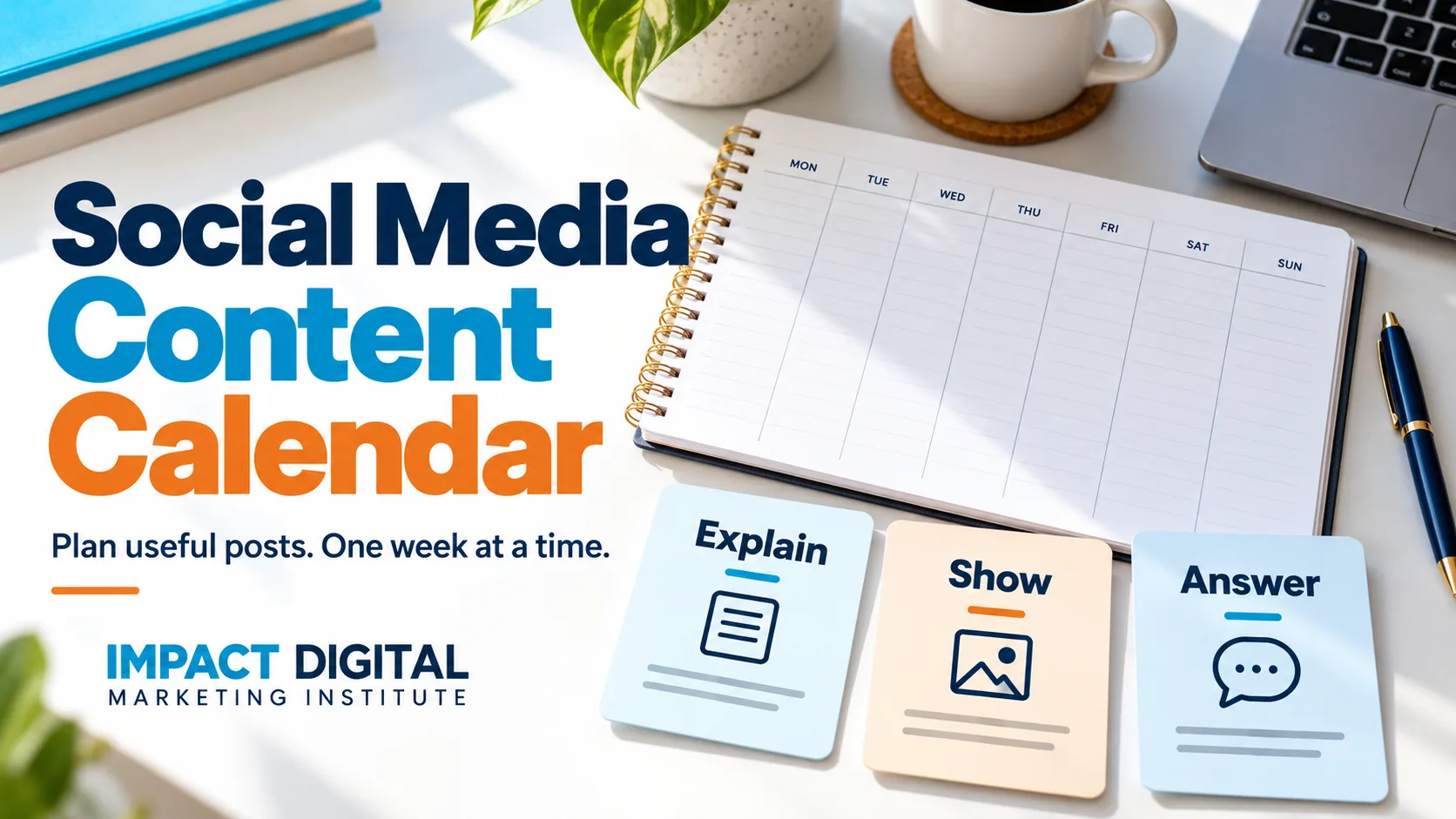
Plan useful posts before you publish. Understand the idea, see a simple week and download your own plan.
Topics in this guide
Topic 1 · What it means
What is a social media content calendar?
A social media content calendar is a plan that shows what you want to post, where you will post it and when it should be ready.
It helps you think before you publish. Instead of asking “What should I post today?”, you can prepare a useful message in advance.
A calendar is the plan
It records the topic, format, date, person responsible and progress.
Scheduling is a separate step
It sets a prepared post to publish through a platform or scheduling tool. Writing a plan here will not publish anything.
Do I need a special app?
No. A notebook or simple document can be enough to begin. Choose something you can keep up to date. A tool is useful when it makes planning easier, not because it has many features.
New to the topic? Read social media marketing basics first. This guide explains planning; the optional template comes later.
Topic 2 · Choose the message
What should you decide before planning posts?
Start with the person reading the post. What do they need to know, and what would help them?
- 1
Choose the customer. Be specific. A parent planning a birthday has different questions from a cafe owner ordering bread.
- 2
Choose one clear purpose. Explain an option, answer a common question or show how something works.
- 3
Choose a suitable format. A photo can show an item. A short video can show a process. A few slides can explain steps.
- 4
Choose a useful next step. Invite the person to read details, ask a relevant question or check availability.
Example: a bakery
“Our cakes are amazing” gives little information. “Not sure which cake size to choose? Here are the details to check before ordering” answers a customer question.
You do not need to use every platform or make every post a sale message. Learn how to understand the customer and write a clear message.
Topic 3 · A weekly example
What could one week of posts look like?
Here is a made-up bakery plan with three posts. Three is an example, not a rule about how often every business should post.
Explain an option
Topic: choosing a cake size.
Format: a few clear slides.
Next step: read the size details.
Show the process
Topic: how a cake is packed.
Format: a short video.
Next step: check collection information.
Answer a question
Topic: ordering for a birthday.
Format: a photo and short caption.
Next step: ask about availability.
What happens on the other days?
The team can prepare the next post, reply to relevant questions and check information. Leaving a day without a planned post is better than inventing a message just to fill a box.
Can I copy this plan?
You can use the structure for practice. Change the topics to match the business and its customers. Confirm product details, availability and permissions before publishing anything for a real business.
This is an educational example, not an actual bakery campaign or a claim about results.
Topic 4 · Prepare and check
How does an idea become a ready post?
A date in the calendar does not mean the post is ready. Keep track of what still needs to be done.
IdeaThe message is planned
Write the customer question and the purpose of the post. Decide who will prepare it.
DraftThe text and visual are prepared
Write the caption, prepare the photo or video and check the next-step link. A draft still needs review.
ApprovedThe right person has checked it
Confirm names, product details, prices, dates, spelling, image rights and contact information. Check that text in the visual is readable on a phone.
Published and checkedThe post is live
Open the published post. Check the image, caption and link. Keep a record of the actual link and respond to relevant questions.
Leave room to change the plan
If availability changes or information becomes wrong, update the planned post. Do not publish an outdated offer just because it was already on the calendar.
Never treat “planned” as “published”. The template on this page is a planning aid and does not connect to any social account.
Topic 5 · Your template
Make a simple weekly plan when you are ready
Use this optional template to plan up to three posts. You can leave a slot blank. Download your plan before leaving the page.
Topic 6 · Review the plan
What should you check after posting?
Check whether each post helped with its purpose. A high number of likes does not tell you everything.
If you answered a question
Check whether people could find and understand the answer. Note repeated questions that still need a clearer explanation.
If you invited an enquiry
Keep track of relevant enquiries where you can identify the source. An enquiry is not automatically an order.
What is the best time to post?
There is no one time that fits every audience. Use the information available for the account and test practical times. Do not assume a time from a general article will work for your customers.
Do I have to post every day?
No single posting frequency suits every business. Choose a plan you can prepare, review and maintain. Adjust it based on your audience, available work and what you learn.
Will using a calendar improve reach?
A calendar helps organise work. It does not guarantee views, followers or sales. The message, the audience and many other factors affect results.
Learn how to understand marketing results. If this is a practice project, label it clearly and use the portfolio guide to explain what you prepared and why.
Use what you learn to make the next week’s plan clearer and more useful.