
Lesson 5 of 8 · Lesson menu
BEGINNER LEARNING PATH
LESSON 5 OF 8
SEO for
complete beginners.
Understand how search works, what makes a useful page and what the results mean.
Topics in this lesson
Topic 1 · What SEO means
Help people find useful pages
SEO means search engine optimisation. It helps search engines understand a page and helps people find useful answers through search.
A person searches
They type a question or a few words into Google.
Results appear
Google shows pages it considers useful for that search.
The person chooses
They decide which result to open.
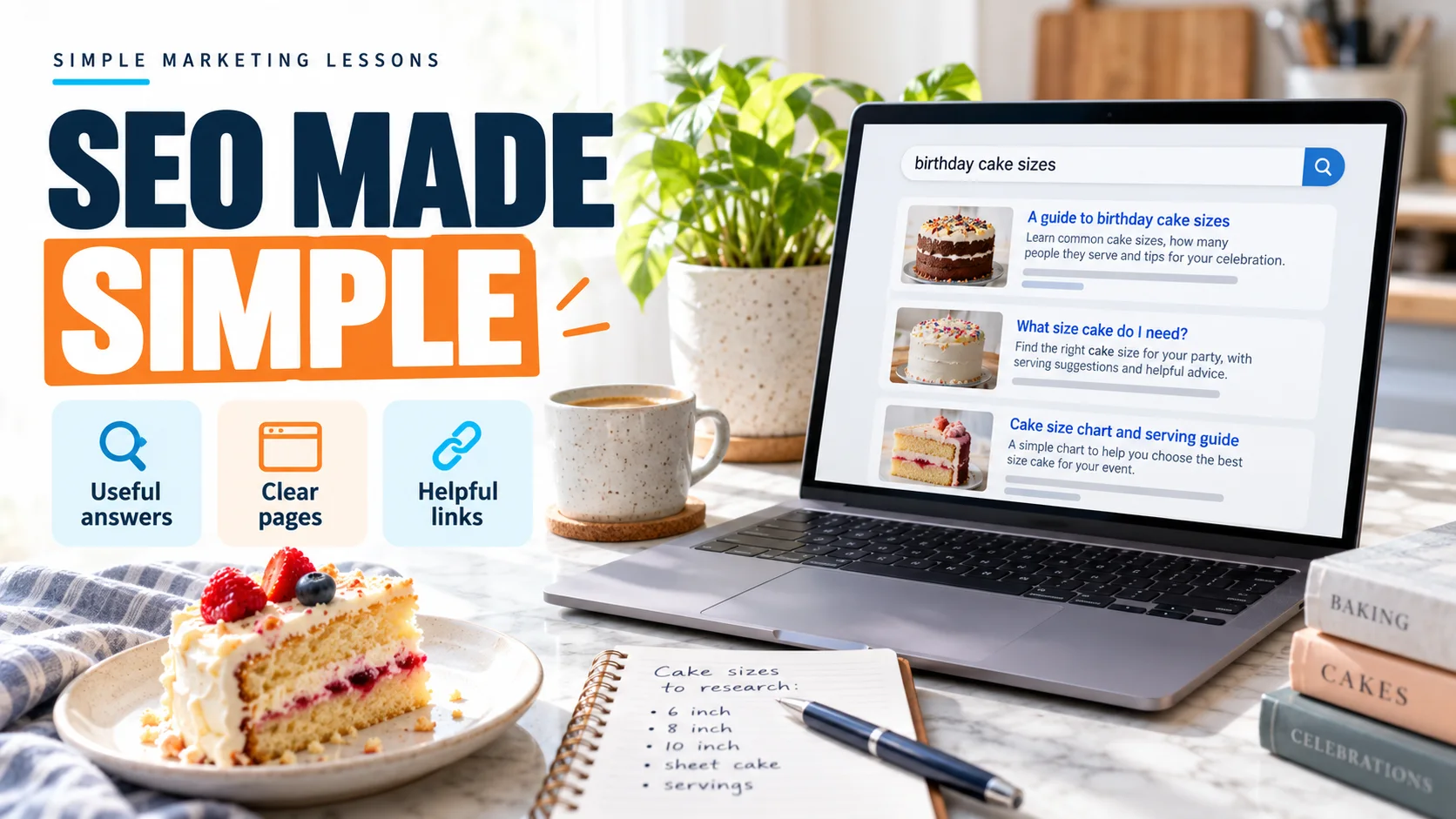
Someone searches for “birthday cake sizes”. A bakery’s page explaining sizes may help them. The page should answer the question, rather than just repeat those words.
Is SEO the same as paying for ads?
No. SEO works on unpaid search results. Search ads are paid placements. Unpaid does not mean SEO needs no time or money; creating and maintaining useful pages takes work.
Topic 2 · How search works
Find. Understand. Show.
Google uses automated programs to discover pages and read their content. These steps have names, but the basic idea is simple.
Crawling
Google discovers a page and tries to read it.
Indexing
Google analyses the page and may store information about it.
Showing results
When someone searches, Google selects relevant results.
A page can be discovered without being indexed. An indexed page may still not appear for a particular search. There is no guaranteed place in the results.
What is a crawler?
A crawler is a program that visits web pages automatically. Google’s crawler is called Googlebot. Links help it discover other pages.
Topic 3 · The search question
Understand what the person needs
A keyword can be a word or a longer phrase someone searches for. Start with the question behind those words.
Tap a search to see a different need. These are fictional examples, not live search results.
A page about delivery areas will not fully answer a question about cake sizes. The best starting point is a helpful answer to the actual question.
Do I repeat the phrase many times?
Use words naturally where they help the reader. Repeating the same phrase again and again makes a page hard to read. There is no useful fixed keyword count for every page.
Topic 4 · Make the page clear
A good answer should be easy to follow
Help the visitor understand the page before asking them to take another step.
A clear title
Describe the page accurately. “Birthday cake sizes explained” is clearer than a title that says only “Our page”. Google can choose different wording for a result title.
Useful headings and answers
Group related information under headings. Explain the important details in your own words. Use real experience and check facts before publishing.
Helpful links
Link to the next useful page with clear words, such as “See delivery areas”. Links help people explore related information.
Relevant images
Use images that help explain the topic. Add a short text description when an image provides information. This is called alt text.
Use the customer’s questions to plan the page, then write a clear message.
Topic 5 · Keep it usable
People and search engines need access
The page must be available to read. It should also be easy for a visitor to use on a phone.
Working pages
Links should open the right page.
Readable content
Use clear text, headings and sensible spacing.
Clear navigation
Help people find related information and contact options.
A new website does not automatically get search traffic. Useful content, access to the page and other factors matter. Adding more pages without a clear purpose is not a plan.
What if Google is not finding a page?
Website owners can use Google Search Console to check a page. A technical setting, an error or Google’s indexing decisions may be involved. This needs checking; rewriting every word is not always the answer.
What about links from other websites?
These are often called backlinks. A relevant link can help someone discover a useful page. Avoid buying links to manipulate rankings.
Topic 6 · Read the results
Being seen is different from being chosen
Google Search Console helps website owners understand how their site appears in Google Search.
Impressions
Your site’s result was shown in search, according to Search Console’s counting rules.
Clicks
Someone clicked your site’s result.
Enquiries or orders
Actions after the visit need separate tracking.
More impressions do not automatically mean more sales. Check which searches and pages are involved, whether people click and what they do after visiting.
How long does SEO take?
Changes need time to be discovered and reflected in search. Some have little visible effect. There is no fixed date or guaranteed ranking for every website.
Optional: notice a useful search result.
After reading, look at one result for a question you have. Is the title clear? Does the page answer your question? You do not need paid tools or a website to notice these things.
Want to understand search phrases? Read keyword research for beginners and download a planning outline.