
Lesson 4 of 8 · Lesson menu
BEGINNER LEARNING PATH
LESSON 4 OF 8
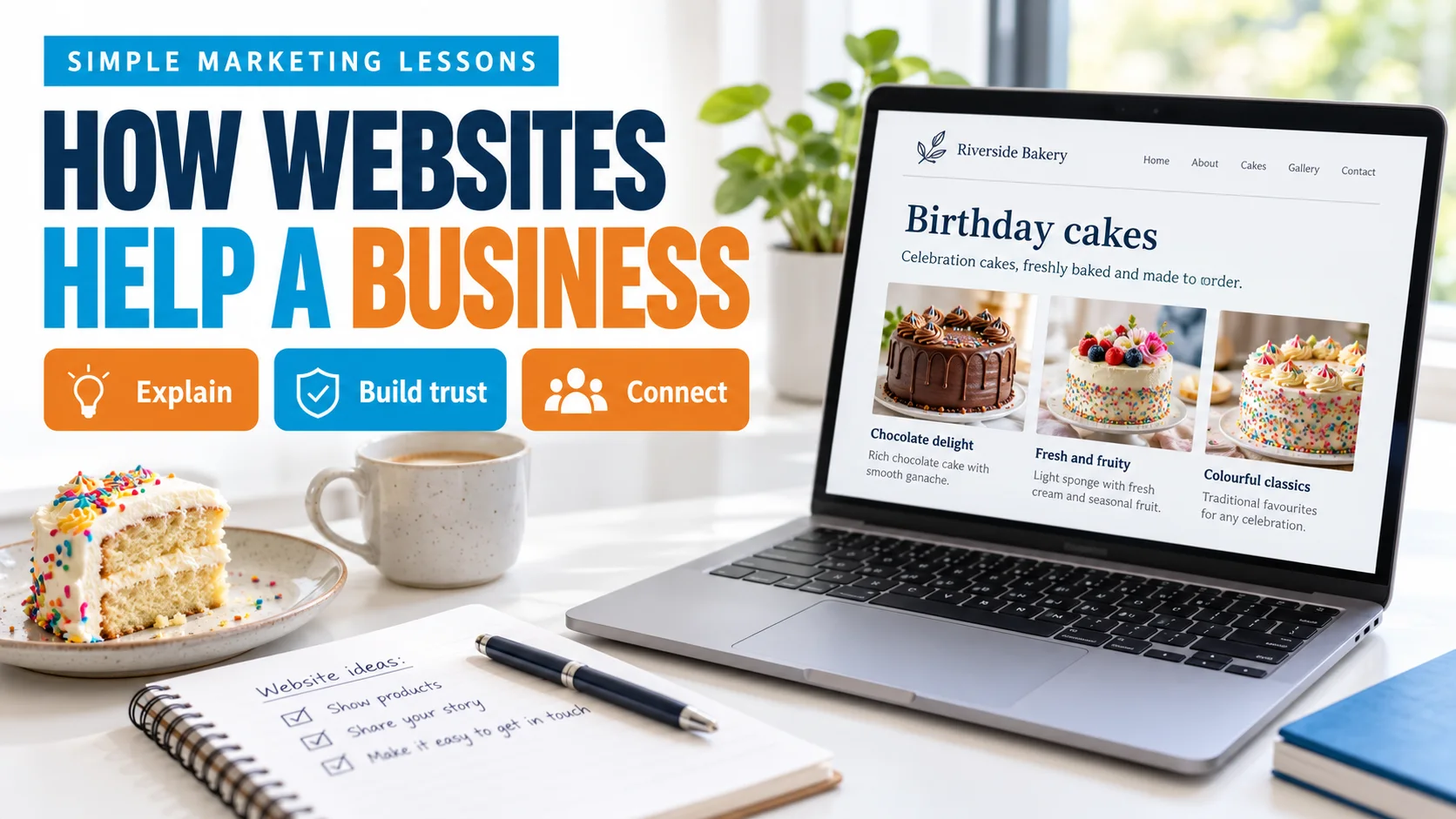
How websites
help a business.
A clear place to explain the offer, answer questions and help people take the next step.
Topics in this lesson
Topic 1 · What a website is
A place to explain the business
A website is a group of pages people can open on the internet. It can explain what a business offers and how to contact it.
One website
The full collection of pages.
One web page
A single part, such as a cake page.
One link
A way to open another page.
Its Instagram photo may catch someone’s attention. Its website can then show cake sizes, designs, delivery areas and how to ask about an order.
Two words you may hear
A domain name is a website’s address. Hosting is the service that keeps the website’s files available online. You do not need to learn coding to understand this lesson.
Topic 2 · Why it helps
Help people understand before they ask
People often want answers before contacting a business. A useful website puts these answers in a clear place.
Explain the offer
Show what is available and who it is for.
Answer questions
Explain important details and limits.
Show the next step
Help people call, message or enquire.
Real product photos, accurate details and clear policies can help people judge a business. A good-looking website alone does not prove that a business is trustworthy.
Does a website bring customers by itself?
No. People still need a way to find it. Search, social posts, ads, shared links and repeat visits can bring people to a website. A visit does not guarantee an enquiry or sale.
Topic 3 · What people need
Answer the questions a customer has
Start with what the visitor wants to know. The right information depends on the product or service.
What is available?
Show the product or service, with a clear name and useful details. For cakes, this may include sizes and designs.
Will it suit me?
Explain who it is for, the area served and any important conditions. Do not hide limits.
What will it cost?
Show a real price when possible. If the price depends on the order, explain what affects it and how to request a quote.
What should I do next?
Use a clear label such as “Ask about a cake” or “View cake designs”. Tell visitors what happens after they contact the business.
The information should match the customer’s needs and use a clear marketing message.
Topic 4 · Useful pages
Give each page a clear job
A small business does not need many pages to be useful. It needs the right information and clear links between pages.
Home page — understand the business
Explain what the business offers. Point people towards the most useful product or service pages.
Product or service page — understand one offer
Show relevant details, genuine examples or photos, and the next step. Keep the page focused on that offer.
About page — know who is behind it
Explain who runs the business and share facts that can be checked. Avoid made-up awards, numbers or reviews.
Contact page — get in touch
Show working contact methods and relevant location or service-area details. Ask only for the information needed.
A landing page is the page someone arrives on after clicking a link. A page made for a campaign usually focuses on one offer and one main next step.
Topic 5 · Website and social
They can work together
Social media can help people notice a business. A website gives the business a place to organise detailed information.
A social post
A cake photo introduces the offer.
A website page
Sizes, designs and delivery details answer questions.
A conversation
The visitor asks about a suitable order.
Someone may message directly from Instagram. Another person may visit the website first. Use the route that suits the customer; a website is not required for every sale.
What is different about the website?
You can choose its pages, navigation and main contact options. Social platforms set their own layouts and rules. A website also needs care: updates, working links and accurate information.
Topic 6 · From visit to enquiry
Make the next step easy
A useful page helps a visitor understand the offer and choose what to do next. Tap a stage to see one fictional example.
Readable text on a phone. Clear buttons. Working links. Relevant photos. A page that loads without making people wait too long.
What does conversion mean?
A conversion is an action the business chooses to measure, such as a submitted enquiry. A button click, an enquiry and a paid order are different things. Decide what you are measuring before judging results.
Optional: notice this on a website you know.
After reading, look at one business page. Can you understand its offer and find how to contact it? This is optional. You do not need to build a website now.