
Browse the 8 beginner lessons
MEASUREMENT · UNDERSTAND WHAT COUNTS
GA4 lead tracking basics for beginners
Learn what a lead event means, why a click is different from an enquiry and how to check a tracking plan before trusting the numbers.
Topics in this guide
Topic 1 · What to measure
What does lead tracking mean?
Lead tracking records an action that shows someone has made an enquiry or asked for information. First decide exactly which action the business wants to count.
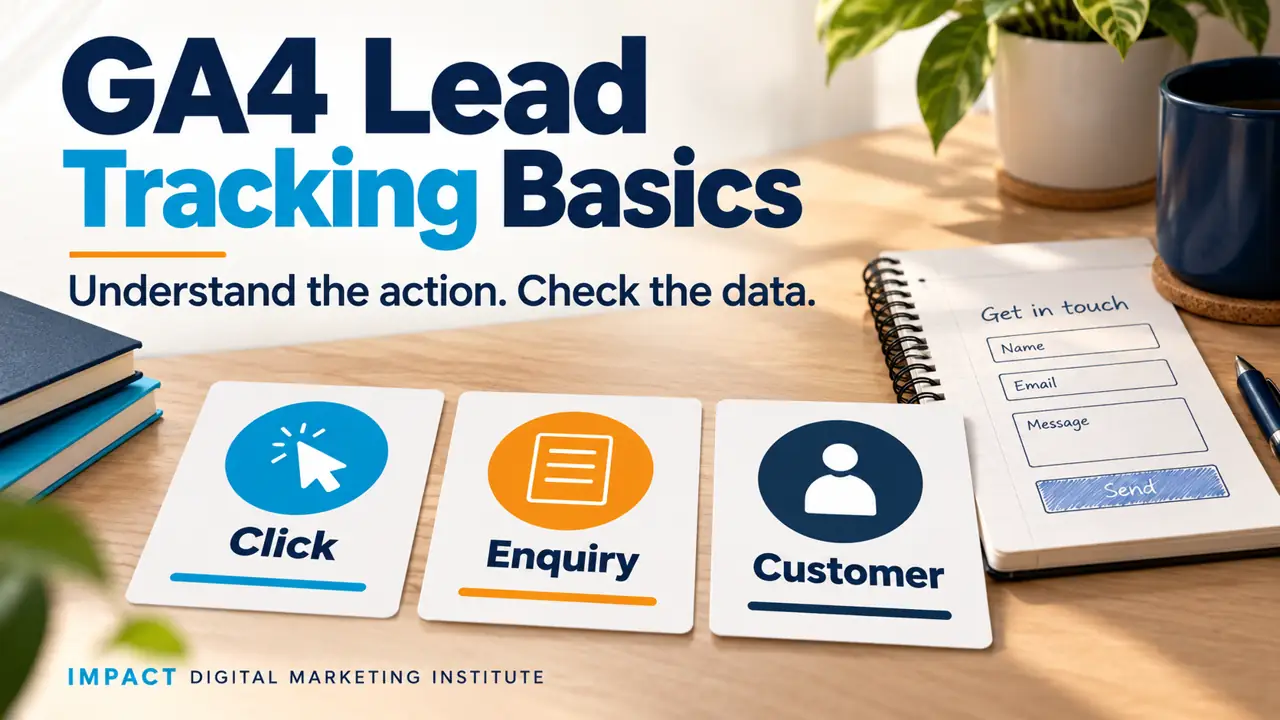
A click
Someone opens a contact button. They may stop before sending anything.
An enquiry
A request is successfully received through the chosen process.
A customer
The business confirms a purchase or other agreed customer action.
These are different actions. A click does not prove an enquiry, and an enquiry does not prove a sale. Read marketing results basics first.
Topic 2 · Events and key events
What are events and key events in GA4?
An event is a recorded interaction. A key event is an event the business has marked as important in GA4.
Google recommends the event name generate_lead for relevant lead actions such as a request for information. The name alone does not make the measurement accurate. The setup still has to send it for the right action.
A useful distinction
Recording a general form interaction is different from confirming that the intended enquiry form succeeded. The tracking rule needs to match the action you actually want.
Does marking a key event create the event?
No. The event still needs to be sent by a working setup. Marking it as important does not repair a missing or incorrect trigger.
This lesson explains the planning. Implementation may use website code, a tag manager or suitable GA4 settings, depending on the site.
Topic 3 · Plan the trigger
When should the event be sent?
Use a signal that confirms the intended action succeeded. Ask the website owner or developer how the form works.
- 1
Name the form and action. A newsletter sign-up and a sales enquiry may have different purposes.
- 2
Find the success signal. It might be a verified success response or a suitable confirmation flow. A page view alone may not prove a new enquiry.
- 3
Choose what to record. Use a clear event definition and appropriate non-personal information.
- 4
Get the setup reviewed. Agree how testing and repeat submissions should be handled.
Keep personal details out
Keep names, email addresses and phone numbers out of page URLs and ordinary Analytics event parameters. Review the actual data being sent, because private details can accidentally appear there.
Follow the site’s privacy and consent setup. This template cannot confirm that those settings are correct.
Topic 4 · Test the behaviour
What should you test before trusting a count?
Test what should count and what should not count. Record what actually happened.
Successful enquiryThe intended request is accepted
Confirm the business receives the request, then check the expected event in the appropriate testing or reporting view.
Failed attemptThe request is not accepted
Try missing required details or another safe test failure. A failed attempt should not be labelled as a successful lead.
Refresh or repeatCould one action be recorded again?
Check the confirmation flow and repeated clicks. Decide how repeat requests should count and ask for unwanted duplicates to be fixed.
Another formDoes the rule affect the wrong action?
Check whether an unrelated form also triggers the same lead event. The definition should remain clear.
A fictional bakery test might record an accepted enquiry once, while an empty form attempt records no successful lead. This is an expected test outcome, not proof about your site.
Topic 5 · Your measurement plan
Write the event definition and test plan
Use this optional outline to discuss the setup with the person responsible. Mark anything that has not been tested.
Topic 6 · Read results carefully
What can the report tell you?
A report can help you understand recorded actions. It is not automatically the same as the business’s complete list of real enquiries or customers.
Check the event definition, date range and filters before comparing numbers. Consent choices, blockers, implementation issues and processing can affect what is recorded.
Is an event count the number of different people?
Not necessarily. One person can trigger several events. Check the metric and counting definition rather than calling every event a new person.
Can a GA4 lead count prove sales?
No. Keep enquiry, qualified lead and purchase records distinct. Use appropriate business records to confirm what happened after an enquiry.
Do I need to change a live account to learn this?
No. Start with an explanation, a practice plan or a suitable test environment. Get permission before changing a real website or Analytics property.
The portfolio guide can help you explain an honest measurement plan and its test limits.