
Can you learn digital marketing on a phone?
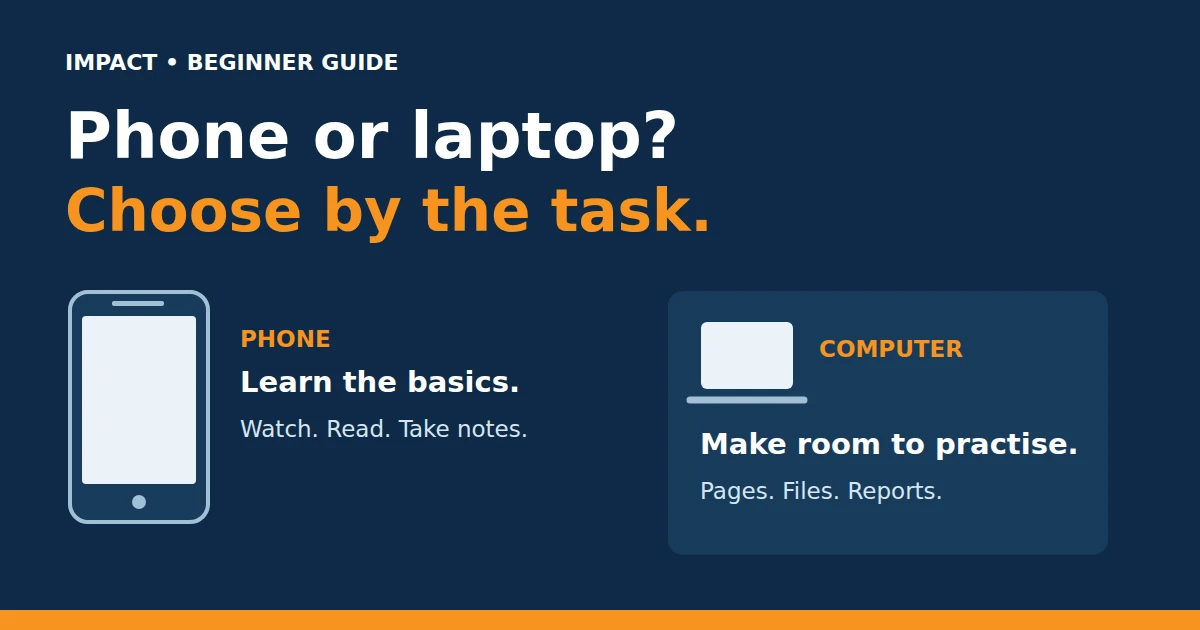
Yes, you can start with a phone. For website work, reports and longer tasks, regular access to a laptop or desktop makes practice easier.
What can you learn on a phone?
A phone is useful for watching lessons, reading explanations, taking notes and looking at how businesses use social media.
You can also practise writing captions and simple content ideas. These activities help you understand customers, messages and business goals before learning more tools.
Why does a laptop help?
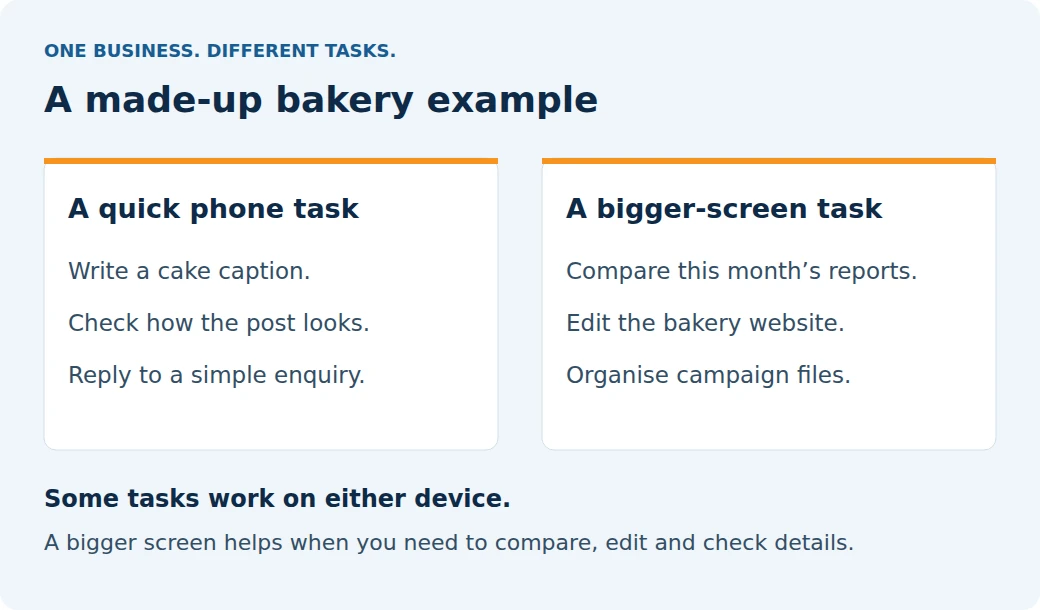
Digital marketing often means moving between a website, a spreadsheet and a report. A bigger screen makes it easier to compare them. A keyboard also helps when you write longer content or organise files.
For example, you may need to check a website page, change its headings and look at how it appears on different screen sizes. That takes more checking than publishing a short social post.
Can marketing tools work on a phone too?
Some can. Google Sheets lets you create and edit spreadsheets on Android. WordPress.com also provides mobile editing options.
That does not mean every mobile app has every desktop feature. The task, app and website setup all matter. Use the device that lets you complete the work and check it properly.
The useful difference: watching a lesson helps you understand an idea. Doing the work shows whether you can use it. Make room for both.
What if you do not own a laptop?
You can begin learning the basics on your phone. Before joining a course, ask which tools you will use and what device the practical work needs.
If you plan to use a shared computer, make sure you can access it regularly. Sign out of your accounts when you finish. A desktop can be useful for practice too.
You do not need to buy a device just because a course advertises a long tool list. First understand what you will actually practise.
Planning to learn at Impact?
Check the syllabus, then ask the team about device needs for your chosen course.