Missed a class at Impact? How to catch up
Start by finding out which topic you missed. Then review that lesson and note the part you do not understand.
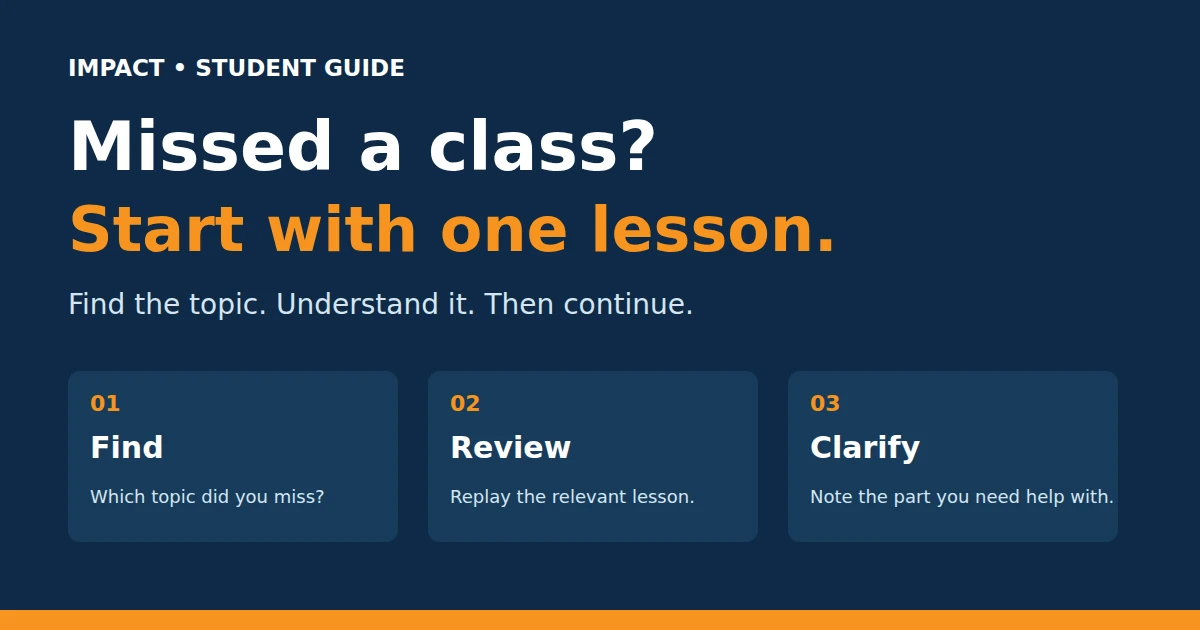
Find the topic before opening the recording
Ask which lesson the class covered. If there was an example or task, ask what it was too. This gives you a clear starting point instead of several videos to guess between.
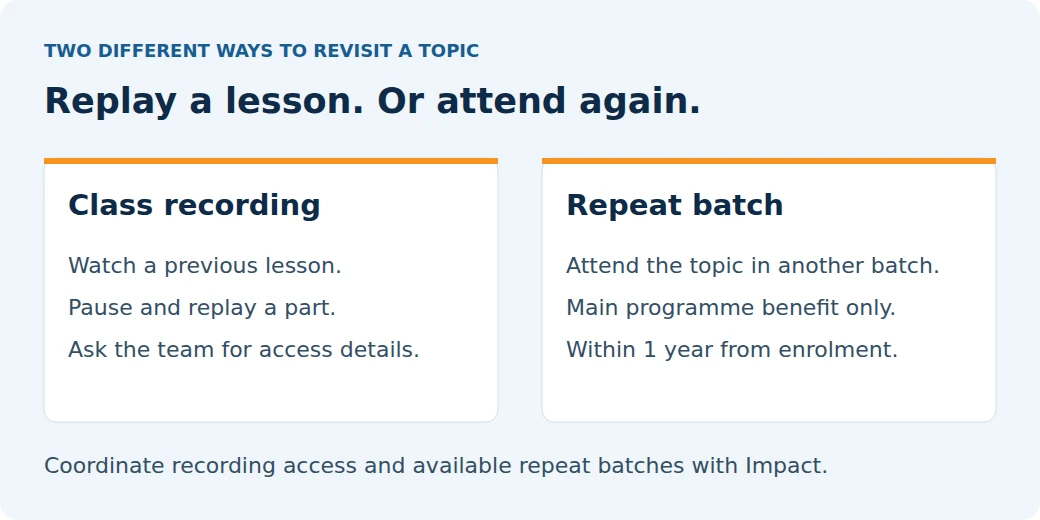
Impact provides class recordings. Ask the team for the correct recording and access details for your batch.
Pause and replay the part you need
A recording lets you pause and replay a part. If the trainer explains something on screen, pause there and look at it carefully.
For example, if the lesson is about Google Ads, first understand what the campaign is meant to achieve. You can return to the buttons and settings after the idea makes sense.
A small tip: write down the video time and your question. “At 12:40, why did we choose this option?” is easier to answer than “I did not understand the class.”
Is a repeat batch the same as a recording?
No. A recording is a lesson you can watch again. A repeat batch means attending classes again with another batch.
Impact’s main programme includes unlimited repeat-batch attendance within one year from enrolment. Coordinate available batches with the team. This benefit is not included with standalone courses.
What if you missed several classes?
Tell the team which classes you missed and where you got stuck. Ask which topic to revisit first. Some lessons build on earlier ideas, so watching the newest video first may leave you confused.
You do not need to finish every missed video in one sitting. Work through one topic, identify your doubt and then move to the next.
Need the right starting point?
Contact Impact with your batch, missed topic and question. For the published support terms, read the Course FAQ.